How to Fix Audio Stuttering, Pops, and Crackling Latency in Windows

Experiencing intermittent audio stuttering, audible pops, and micro-dropouts turns music listening, video editing, and conferencing into an irritating ordeal. While many assume that distorted playback indicates damaged physical speakers, blown headphone drivers, or faulty audio cables, the root cause in Windows workstations is almost always digital pipeline latency. Audio streaming requires real-time buffer delivery. When … Read more
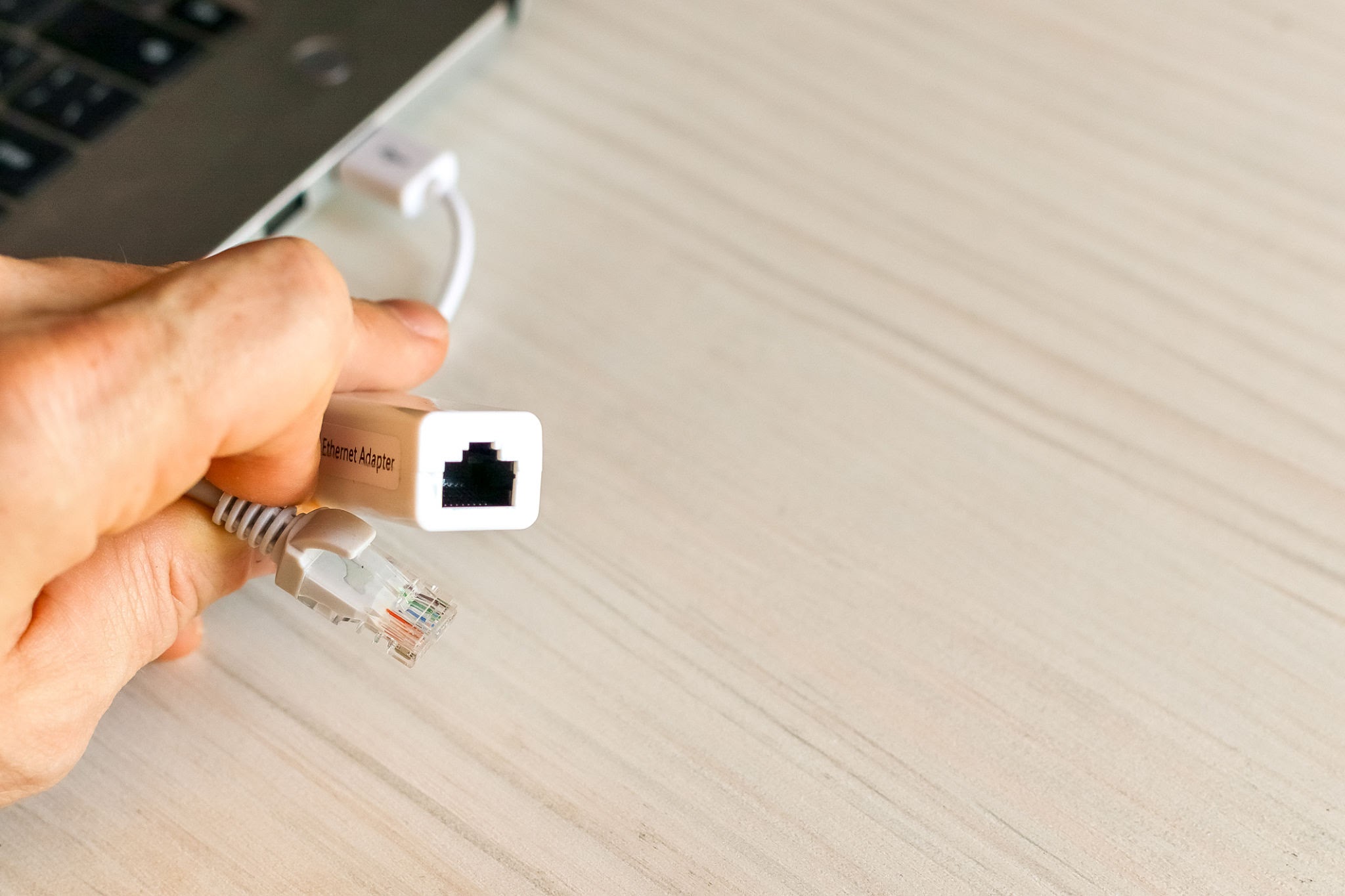
How to Fix “Ethernet Doesn’t Have a Valid IP Configuration” in Windows

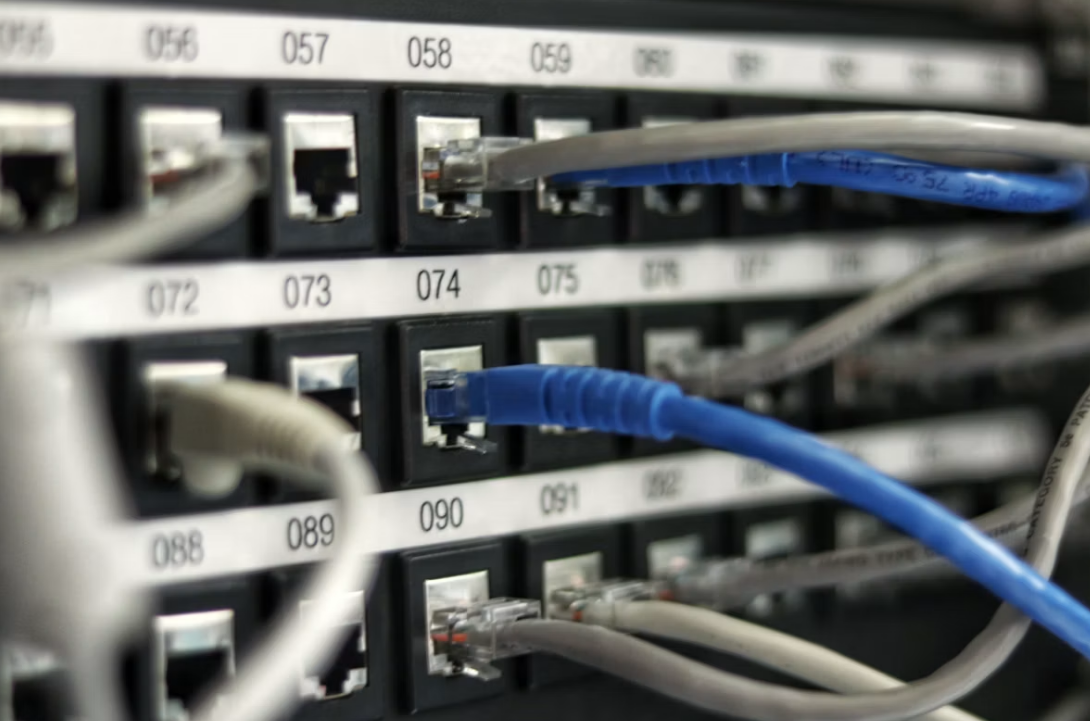
Wired Ethernet connections represent the gold standard for workstation reliability, offering deterministic packet delivery, minimal latency jitter, and freedom from high-density wireless interference. However, plugging an RJ-45 cable into your desktop or laptop does not always guarantee an instant network link. Instead of displaying internet access, the system tray network icon frequently changes to a … Read more

How to Restore Missing GRUB Bootloader After Windows Update in Dual-Boot Systems

Dual-boot configurations that combine Windows and a modern Linux distribution (such as Ubuntu, Debian, or Fedora) offer the best of both computing worlds: high-performance native gaming and commercial software compatibility alongside a robust Unix development workspace. However, maintaining this coexistence is frequently disrupted by major Windows feature updates. Following a routine system update, restarting your … Read more

ssh connection, connection refused, port 22, linux server, network troubleshooting

Managing remote Linux servers, home lab virtual machines, and cloud compute instances depends heavily on Secure Shell (SSH) access. Whether deploying container updates, managing databases, or editing server configuration files, an SSH terminal represents the primary lifeline between your workstation and remote hardware. However, attempts to initiate an interactive terminal session frequently fail with an … Read more

How to Fix Hard Drive Not Showing Up: Initializing Unallocated Space in Windows

Connecting a brand-new internal solid-state drive (SSD), adding a high-capacity secondary mechanical hard drive, or plugging in an external storage enclosure only to find it completely missing from Windows File Explorer is a common technical hurdle. The drive may power on with normal indicator lights, yet opening “This PC” reveals only your original boot volume. … Read more

How to Fix CPU Thermal Throttling: Step-by-Step Repasting and Fan Curve Calibration

Modern desktop and mobile microprocessors are engineered to boost clock frequencies aggressively until they encounter electrical, power, or thermal boundaries. When heat dissipation falls behind heat generation, the silicon die rapidly reaches its predefined critical limit (typically 95°C to 105°C depending on CPU architecture). To prevent irreversible physical degradation, the internal processor controller engages thermal … Read more

How to Fix a Corrupted USB Flash Drive Without Losing Data: Step-by-Step Recovery Guide

Connecting a USB flash drive or external storage volume only to be greeted by an abrupt system dialog stating “You need to format the disk before you can use it” or “The file or directory is corrupted and unreadable” is an alarming technical obstacle. USB flash drives endure substantial physical handling: they are repeatedly inserted … Read more

How to Analyze Windows Minidump Files to Fix Random Blue Screen (BSOD) Crashes

Few computer failures disrupt productive workflows as abruptly as the Windows Blue Screen of Death (BSOD). A sudden stop code, a frozen error percentage, and an unprompted reboot often leave users stranded without a clear explanation. While Windows presents brief error strings—such as CRITICAL_PROCESS_DIED, KERNEL_SECURITY_CHECK_FAILURE, or IRQL_NOT_LESS_OR_EQUAL—these labels merely describe the symptom that forced the … Read more

How to Diagnose and Fix 100% CPU Usage Spikes in Windows 11: Complete Guide

Experiencing persistent 100% CPU utilization turns an otherwise capable modern computer into an unresponsive workstation. Mouse cursors stutter across the display, application launches hang indefinitely, audio streams crackle with digital distortion, and cooling fans spin at maximum acoustic velocity. While brief processing spikes are completely normal during software installations, code compilation, or high-definition video rendering, … Read more

How to Check and Monitor SSD Health: Step-by-Step SMART Diagnostic Guide

Solid-state drives (SSDs) have fundamentally replaced mechanical hard drives as the primary storage medium in personal computers, offering blistering read/write bandwidth, instant seek times, and total silent operation. Unlike legacy spinning hard disk drives (HDDs) that frequently broadcast mechanical failure through clicking actuator arms or grinding spindle bearings, SSDs fail silently. Because an SSD relies … Read more